
Managing SEO for one dental clinic is already complex. Managing rankings across multiple locations, cities, ZIP codes, and Google Business Profiles is an entirely different level of difficulty. One clinic may dominate local searches for “Invisalign near me,” while another location in the same group struggles to appear anywhere in the local pack. Without proper tracking, it becomes almost impossible to understand what is actually driving visibility, calls, and patient growth at each clinic.
This is the reality for modern dental groups, multi-location practices, and DSOs expanding across competitive markets. Every clinic has different competitors, different search behaviour, different review signals, and different local ranking factors influencing performance. A strategy working in one city can completely underperform in another just a few ZIP codes away. Many growing practices also face operational and visibility issues similar to these common expansion-stage marketing obstacles.
The challenge becomes even bigger when rankings are tracked too broadly. Looking only at overall website traffic or average keyword positions hides what is really happening at the local level. You need to know which clinics are ranking in specific ZIP codes, which treatment pages are gaining visibility, where Google Business Profile performance is dropping, and how patients are actually finding each location online.
Read on to understand how to properly track multi-location dental SEO across cities, ZIP codes, and individual clinics so you can see exactly where your visibility is growing, where rankings are slipping, and which locations are generating the strongest local search performance. Because in local dental SEO, visibility is rarely won market-wide all at once — it is earned clinic by clinic, neighbourhood by neighbourhood.
A single-location dental practice can get away with checking a handful of keyword rankings and calling it a month. But the moment you open a second clinic — or a third or fifth — that approach stops working. What ranks well for your downtown office may have little relevance to a suburban clinic just a few miles away. Even the same keyword, like “dentist near me” or “emergency dentist in [city],” behaves differently depending on location, competition, and patient demand.
This is because local search intent is highly specific. Patients don’t just search “dentist” anymore. They search “pediatric dentist in [ZIP code],” “emergency dentist open Saturday near me,” or “Invisalign dentist in [neighborhood].” Every one of these searches is tied to geography, which means each clinic is effectively competing in its own separate micro-market.
For example, a clinic in a city centre might consistently rank #1 for “emergency dentist near me” and drive most same-day bookings, while another suburban location might perform better for Invisalign or cosmetic consultations due to different patient demographics. If you combine both locations into one report, you lose visibility into these differences and end up averaging out performance that is actually very uneven.
The good news is that this hyper-local intent creates opportunity. A clinic ranking #1 for “family dentist in Riverside” is completely invisible to someone searching “family dentist in Lakewood,” even if the two areas are only a few miles apart. Granular tracking allows you to identify and capture these gaps before competitors do.
Organic clicks per clinic location page
Track how many users are arriving at each clinic’s service or location pages from organic search on a monthly basis.
City-level keyword rankings
Monitor “dentist in [city]” and treatment-specific keywords separately for each location rather than averaging them across the entire website.
Google Business Profile performance per clinic
Measure calls, direction requests, and search impressions individually for each clinic listing. Improving these local visibility signals often depends on strengthening your Google Business Profile visibility strategy.
ZIP-level conversions
Break down form submissions, calls, and bookings by ZIP code or dedicated landing pages to understand exactly where patients are converting.
Tracking rankings without the right foundation is like installing a fuel gauge in a car that doesn’t have an engine. The numbers might be accurate, but they won’t help you make better decisions. Before you set up any rank tracking tools, each clinic in your dental group needs to be properly structured for local SEO.
Each physical clinic should have its own dedicated location page, not just a small mention on a “Find Us” page. These pages need to be fully developed and built to target local search behaviour for that specific area.
- A dedicated URL per clinic:/location/city-nameor/dental-office-houston
- Unique content on every location page — different team bios, neighborhood context, local landmarks, parking notes
- Correct and consistent NAP (Name, Address, Phone) on every page and every directory listing
- Localized title tags: "Dentist in Houston | Downtown Dental Clinic" — not the same tag copied across locations
- Location-specific meta descriptions referencing the city, neighborhood, or nearby landmarks
- LocalBusiness and Dentist schema markup with geo coordinates per page
Always remember that copying the same location page content and swapping the city name is one of the most common mistakes multi-location dental groups make. Search engines detect it. Each page must earn its own rankings through genuinely unique, locally relevant content backed by strong local dental search optimization.
Every clinic must have its own verified Google Business Profile. Trying to manage multiple locations under a single profile weakens visibility across all locations.
- One verified GBP per physical address
- Accurate service areas configured for nearby suburbs and ZIP codes you want to rank in
- Consistent hours, phone number, and website URL — matching exactly what's on the website
- GBP insights tracked separately for each profile (calls, direction requests, website visits, photo views)
- Regular Q&A monitoring and review responses are done clinic-by-clinic
Many clinics also improve visibility faster when they understand how to appear more consistently in local map results.
Before data can flow properly, your site and analytics stack need to be wired correctly. A few setup essentials that make tracking possible:
Location index page
Create a central "Our Locations" page that links to every individual clinic page. This creates a clean crawl path for search engines and a navigational hub for patients.
UTM parameters on local campaigns
Tag every local ad, social post, or directory link with UTM parameters specifying the city and clinic.
For example: ?utm_source=gbp&utm_campaign=houston-south
GA4 and Google Search Console installed per site or property
If your clinics share one domain, use GA4 data filters or GSC filtered views to segment data per location. If you have separate domains per clinic, add each as its own GSC property.
Before you set up any tracking campaigns, you need a clear map of every location you actually want to rank in. This step sounds basic, but it’s where most dental practices go wrong — they skip proper mapping and end up with data that is either too broad to act on or too scattered to reflect real patient behaviour.
Start with a simple spreadsheet and create one row per clinic. The goal is to clearly define where each location exists and what areas it serves.
For each clinic, include:
- Physical address: Full street address with ZIP code (e.g., 1240 Main St, Houston, TX 77002)
- Primary city: The main city the clinic is located in (e.g., Houston Midtown)
- Service area cities: Nearby areas you actually get patients from (e.g., Montrose, EaDo, Museum District)
- Service area ZIP codes: 2–4 key ZIP codes per clinic (e.g., 77002, 77006, 77004, 77098)
- Primary keywords: 5–8 real search terms patients use for that location (e.g., “dentist in Midtown Houston,” “emergency dentist 77002”)
- Google Business Profile link: Direct link to manage and track that specific clinic profile
You don’t need to track every single ZIP code equally. The goal is to focus on areas that actually drive patients and revenue.
High priority areas include:
- ZIP codes within 1–2 miles of each clinic
- Nearby residential suburbs with strong patient demand
- Locations where competitors are ranking, but your clinic is not
- Keywords are already showing impressions in Google Search Console but have low clicks
Lower priority areas include:
- Far-out ZIP codes outside your realistic service range
- Keywords where you already rank in top positions
- Very low-volume niche searches
- Areas without a physical clinic nearby
This helps you avoid tracking noise and focus only on locations that can realistically convert into patients.
Instead of thinking only in terms of physical distance, group your locations based on how patients actually search online.
A practical structure looks like this:
- Core metro city
- Inner suburbs
- Outer suburbs
- ZIP-code clusters
- Treatment-specific local zones
For example, a Houston Midtown clinic might be grouped under “Houston Core,” with supporting clusters like Montrose and EaDo, plus ZIP codes such as 77002–77006. This clustering approach prevents overlapping campaigns, reduces duplication, and ensures your tracking reflects real search behaviour — not just geography on a map. Practices scaling across multiple clinics often encounter the same growth patterns discussed in this guide on moving from a single office to a regional dental network.
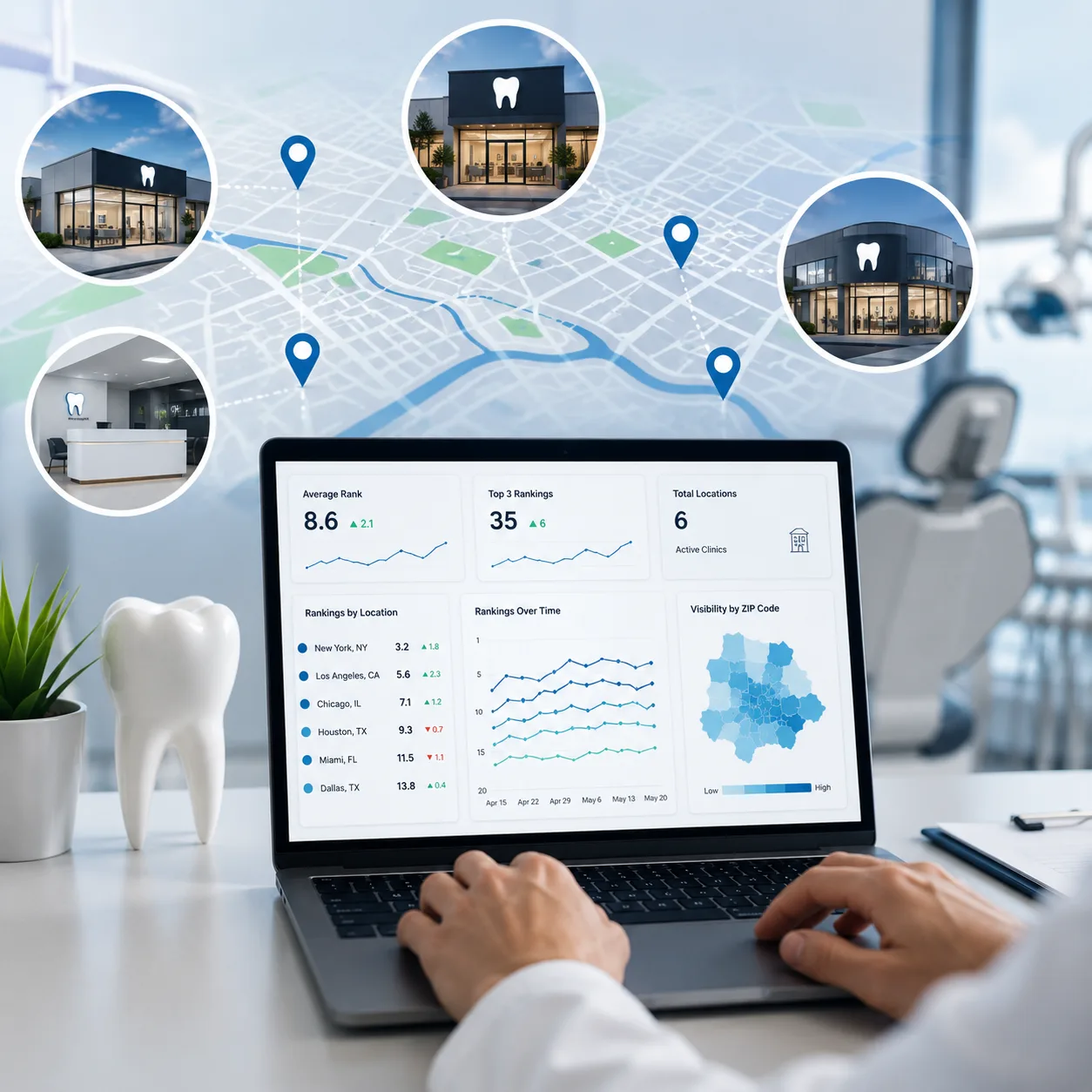
For multi-location dental SEO, the right tool isn’t about having the most features — it’s about tracking rankings at clinic, city, and ZIP code level so you can actually see performance per location instead of blended data.
- BrightLocal: Best for local SEO and multi-location reporting, especially Google Business Profile and local pack tracking
- Local Falcon: Best for visual map grid tracking down to street and ZIP level
- SE Ranking: Strong all-round tool with scalable location-based tracking
- Accuranker: Fast tracking with detailed city and ZIP-level SERP data
- Whitespark: Good for local visibility and citation-focused insights
Key things to look for: city + ZIP tracking, map pack visibility, historical trends, and location-based reporting.
Use it as your base layer, not a replacement for tracking tools. Filter by individual clinic pages, track city-specific queries, and monitor impressions and clicks over time to understand real local search demand.
GA4 shows what happens after patients find you. Track calls, form submissions, and bookings per clinic page, and use location-based reports to see which clinics are actually driving patient actions. Building stronger trust signals through factors like reviews, authority, and credibility also supports long-term rankings, especially when applying experience-focused SEO principles.
If you are building a strategy from scratch, start with the highest-impact tasks first. A simple, structured roadmap helps you stay organised, focus on what actually matters, and clearly measure progress as you go.
Start with your master location spreadsheet and assign a specific keyword set to every clinic. Each location should reflect how patients actually search in that area, not generic industry terms.
Head terms (3–5 per clinic):
- Dentist in [city]
- Family dentist [suburb]
- Dental clinic near [landmark]
- Cosmetic dentist [city]
Long-tail terms (5–10 per clinic):
- Emergency dentist [ZIP code]
- Kids dentist open Saturday [suburb]
- Same-day dental appointment [city]
- Teeth cleaning near me [ZIP]
Keep everything in one structured sheet with columns for keyword, target city or ZIP, target clinic, and intent (calls, traffic, or bookings). This becomes your core reference for all reporting and tracking decisions.
This step ensures your data actually reflects real local performance instead of blended averages.
Create one project per major city or clinic cluster
Name it clearly: "Houston – Midtown Clinic" or "Austin – South Location." This keeps reporting clean and prevents keywords from different clinics bleeding into each other's data.
Add location-specific keywords under each project
Set the geographic target to the city or ZIP code you're tracking, not just the country. Most tools allow you to set a specific city for each keyword — use it.
Enable desktop and mobile tracking separately
"Near me" searches are predominantly mobile. Track both — mobile rankings for "dentist near me" often differ significantly from desktop rankings for "dentist in [city]."
Assign 1–2 primary ZIPs per clinic, plus nearby ZIPs
If your clinic is in ZIP 77002, also track 77004 and 77006 if patients reasonably commute from those areas. This shows you how far your local authority actually extends.
For dental practices, the Google Map Pack often drives more calls than organic search results, so it needs dedicated attention.
Track core search terms per clinic such as:
- Dentist in [city]
- Dentist near me
- Emergency dentist [ZIP]
- Family dentist [suburb]
Tools like Local Falcon help you go deeper by showing map pack rankings on a visual grid, making it clear exactly where your clinic appears — and where visibility starts to drop geographically. Structured local relevance also improves when practices build stronger topical signals through entity-driven optimization methods.
It’s also important to compare Google Business Profile insights with ranking changes. For example, if a clinic moves from position #4 to #2 But calls don’t increase, the issue is usually not rankings — it is either low review strength, weak listing engagement, or poor conversion on the profile itself.
Ranking data shows visibility, but website data shows real patient behaviour after the click.
Each clinic page should be reviewed separately using:
- Google Search Console: track impressions, clicks, and average position per location page
- GA4: measure calls, bookings, and form submissions by landing page
- Session duration: under 45 seconds often signals weak content relevance or mismatch with search intent
- Call-to-page performance: low call volume usually indicates weak CTAs or poor mobile experience
-UTM tracking: use tagged links in Google Business Profile posts to accurately attribute traffic to each clinic
When combined, this shows not just where you appear, but how each clinic actually converts visibility into patients.
Tracking rankings at a national or state level
Rank trackers default to broad geographic targeting. If you're tracking "dentist in Austin" from a national geographic setting, you'll get a different rank than a patient standing in Austin. Always set tracking to the specific city or ZIP code for every keyword.
Using one Google Business Profile for multiple clinics
Google allows — and expects — one GBP per physical location. Using a single profile to represent multiple clinics suppresses map pack visibility everywhere. If you've done this, contact Google Support to split them properly.
Using identical location pages
Swapping a city name in an otherwise identical page template is flagged as thin content and rarely ranks well. Every location page needs to earn its position with genuinely unique content: local team bios, neighborhood-specific patient context, photos from that specific clinic, and locally relevant FAQs.
Not tracking conversions per clinic
High traffic and strong rankings at one location that generates no appointment requests means the problem is the page, not the rankings. Without per-clinic conversion tracking, this kind of expensive leak goes undetected for months.
Averaging data across all clinics
Combining all locations into a single report obscures real performance differences. Strong clinics can mask weak ones, making overall results look better than they are. Always review each clinic separately, month by month.

.svg)

Harsh Bansal has spent 15 years pioneering, scaling, and redefining what dental marketing and data can truly unlock. He is at the forefront of AI-driven dental growth, helping more than 8,000+ dental practices and DSOs worldwide attract more patients, strengthen their market presence, and gain the financial clarity needed to drive sustainable growth.
Our healthcare marketing expert will get in touch with you

.gif)