
In today’s digital world, your dental website is no longer just an online brochure; it is your practice’s first impression, front desk, treatment coordinator, and marketing tool all rolled into one. As the saying goes, “first impression is the last impression", and for many UK patients, your website decides whether they book an appointment with your clinic or move on to the next dentist appearing on Google.
A beautiful website alone is not enough anymore. If your site loads slowly, feels difficult to update, struggles to rank locally, or lacks proper security, it can quietly hold your practice back behind the scenes. That is where your Content Management System (CMS) becomes the real backbone of your website. The platform you choose affects everything — from SEO performance and mobile experience to appointment integrations, GDPR-friendly data handling, and how easily your team can manage content without relying on developers for every small update.
Choosing the right CMS can feel like finding the right treatment plan for a patient; what works perfectly for one dental practice may not suit another at all. A growing private cosmetic dental clinic in London will have very different needs compared to an NHS practice or a multi-location dental group expanding across the UK.
This guide cuts through the noise and simplifies the decision-making process for UK dentists, practice owners, and clinic managers. From WordPress and Headless CMS platforms to modern website solutions, we’ll explore what genuinely matters, what often gets overlooked, and how to choose a CMS that supports better patient experiences, stronger Google visibility, easier management, and long-term practice growth.
A CMS (content management system) is the software that powers your website behind the scenes. It's the platform that lets you add a new service page, publish a blog post about dental implants, update your office hours, or swap out a photo of your team. You don't have to touch a single line of code to do any of this. The CMS handles it.
If you've ever heard terms like WordPress, Wix, Squarespace, or Webflow, those are all CMS platforms. They all do broadly the same thing but in meaningfully different ways, with very different implications for a dental practice specifically. Practices comparing platforms often explore the differences between Webflow and traditional website builds before making a long-term decision.
Here’s the reality: for a restaurant or local retail shop, almost any CMS may work perfectly fine. Their website needs are usually simple, including a few pages, a menu or product catalogue, contact details, and perhaps a social media feed. But a dental practice has far more specialised requirements.
Your website needs to:
Rank well in local Google searches for searches like "dentist near me" or "teeth whitening [city]"
- Let patients book appointments online—and do so securely
- Handle any contact form or patient intake form in a way that protects their health information.
- Load fast on mobile, because over 60% of dental searches now happen on a smartphone.
- Support individual pages for each service — one for cleanings, one for implants, one for Invisalign, and so on.
- Be easy enough to update regularly so that your team actually does it
- Scale as your practice grows, without needing to rebuild everything from scratch
The CMS you choose determines whether all of that is easy, hard, or somewhere frustratingly in between. Make the right call early and your website becomes a genuine patient acquisition tool. Make the wrong one and you'll either be stuck on a platform that limits you or paying to migrate everything a year later.
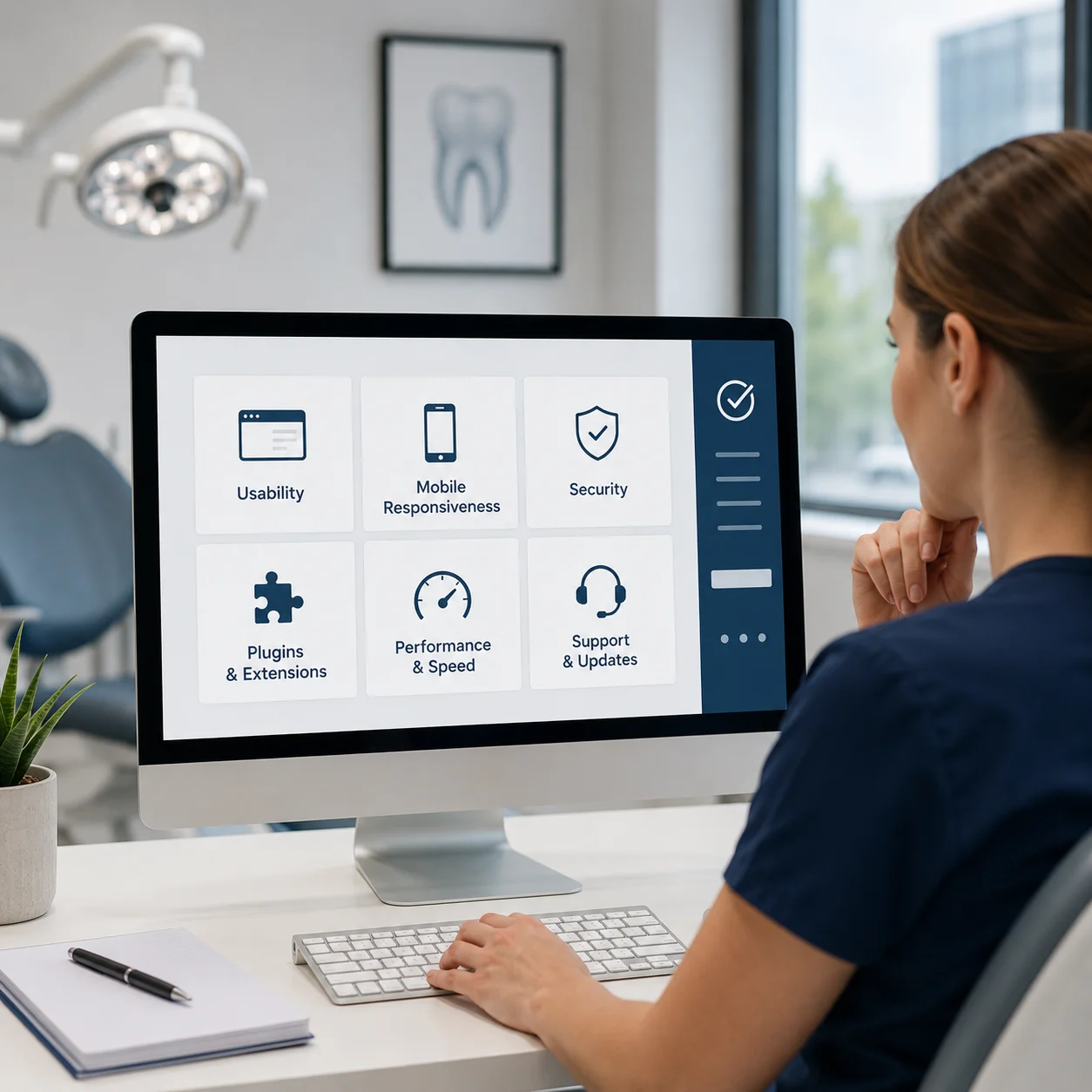
Before comparing platforms like WordPress, Webflow, Wix, or Headless CMS solutions, UK dental practices first need to understand what truly matters in a website platform. A dental website is not just there to “look good". It needs to support patient trust, local visibility, online enquiries, security, and long-term practice growth. Choosing a CMS without evaluating these essentials often leads to expensive redesigns, SEO limitations, or ongoing technical frustrations later.
Here are the key things UK dentists should evaluate before selecting a CMS for their website:
Dental websites regularly collect sensitive patient information through contact forms, appointment requests, consultation enquiries, or online booking systems. Because of this, your CMS and website setup must support secure data handling practices aligned with UK GDPR requirements.
This includes secure hosting, encrypted form submissions, HTTPS protection, controlled data access, and reliable third-party integrations. Many CMS platforms do not provide this properly by default, meaning practices often need additional tools or secure configurations during development rather than trying to fix compliance issues later.
Getting found by patients in your area depends on how well your website is optimised for local search. This goes beyond just having your address on the page. You need individual service pages, proper schema markup (structured data that tells Google what your site is about), fast page speeds, mobile optimisation, and the ability to add and update content regularly. Some CMS platforms support all of this natively. Others require workarounds or third-party plugins.
Google uses mobile-first indexing, meaning it primarily evaluates the mobile version of your website when deciding where to rank it. A dental website that loads slowly or displays poorly on a phone is being penalised in search results. Your CMS and the theme or template you build on need to be mobile-optimised from the ground up — not just technically responsive, but genuinely fast and usable on a 6-inch screen. Many clinics also review the differences between adaptive and responsive website layouts when improving mobile usability for patients.
Patients increasingly expect to book online. The ability to integrate a booking system — whether that's a dedicated dental scheduling tool or a third-party calendar system — varies significantly between platforms. Some make it seamless. Others require technical setup that your team may not have the skills to manage.
Your website should be a living thing — updated regularly with new blog posts, updated service information, seasonal promotions, and new team member bios. The easier your CMS makes this for a non-technical team member, the more likely it is to actually happen. A platform that only your web developer can update is one that stays static — and static dental websites don't rank well.
Modern dental websites often need to connect with several third-party systems and marketing tools. Before choosing a CMS, check whether it can easily integrate with:
- Online appointment booking systems
- Practice management software
- Google Analytics and Google Search Console
- Review and testimonial widgets
- Email marketing platforms
- Live chat tools
- Payment or deposit systems
- CRM or lead tracking platforms
The more flexible the CMS, the easier these integrations usually become.
The sticker price of a CMS platform is rarely the full story. Factor in hosting costs, plugin or add-on subscriptions, any third-party tools you need for booking or compliance, and the time cost of managing the platform. A "free" or cheap platform can end up costing more than a paid one once you've assembled all the pieces you actually need.
Choosing a CMS is not just about design or convenience. The right platform affects your SEO performance, patient enquiries, compliance management, page speed, and how easily your team can manage the website long term.
Most dental practices run into problems because they jump straight into choosing a platform before clearly defining what the website actually needs to achieve. Following the process below helps avoid costly rebuilds, SEO issues, and compliance gaps later.
Before comparing platforms, get clear on your goals. A cosmetic-focused private practice has very different website requirements compared to an NHS-focused clinic or a multi-location dental group.
Ask yourself:
- Are you trying to attract more private patients?
- Do you need stronger local SEO visibility?
- Will you promote treatments like Invisalign or dental implants?
- Does your team need to update content internally?
- Will the website support future growth?
Be realistic about your team’s technical confidence. A platform your practice manager can comfortably update is often more valuable than one packed with features nobody uses.
Define Early:
- Must-have features vs nice-to-have features
- Monthly and annual website budget
- Who manages the website internally?
- NHS, private, or mixed patient structure
- Desired launch timeline
- Growth plans for the next 2–3 years
Avoid comparing every platform on the market. Too many options usually slow decision-making rather than improve it. Focus on two or three realistic choices based on your goals:
- WordPress for SEO flexibility and scalability
- Webflow for premium design and speed
- Wix or Squarespace for simplicity and quick setup
Look at real UK dental websites already performing well on each platform. Search local competitors and review how their sites are structured, how fast they load, and how easy they are to navigate.
If you’re evaluating a dental web design agency, request recent live dental website examples, not just polished portfolio screenshots. Working with a provider that specialises in modern dental website solutions can help practices avoid many common SEO and usability mistakes.
Most platform demos show ideal scenarios. The real question is whether your team can use the platform efficiently for day-to-day dental website management.
Try building a basic treatment page:
- Add a heading
- Upload treatment images
- Write service content
- Add patient benefits
- Include a consultation CTA
Then ask your practice manager or receptionist to make edits.
If simple changes feel slow or confusing, the platform may become difficult to manage once the website grows.
Page speed directly affects both SEO rankings and patient conversions. Slow websites increase bounce rates and reduce enquiry opportunities.
Before choosing a platform or agency:
- Run live dental websites through Google PageSpeed Insights
- Check mobile performance specifically
- Review Core Web Vitals scores
A beautiful website means very little if patients leave before the page finishes loading.
Recommended Free Tools:
- Google PageSpeed Insights
- GTmetrix
- WebPageTest
- Chrome Lighthouse Audit
General web support is not the same as dental website expertise.
A true dental-focused agency should understand the following:
- GDC advertising regulations
- GDPR requirements for patient data
- Before-and-after consent guidance
- Dental treatment page structure
- Local dental SEO strategy
Ask practical questions before signing:
- How is GDC compliance handled?
- What happens if we leave the contract?
- Who owns the website and domain?
- How are ongoing updates managed?
The answers usually reveal whether the agency genuinely specialises in dental marketing or simply works with dentists occasionally.
Many practices try building websites internally to save money. Sometimes it works. More often, the result is a website that looks acceptable but struggles with SEO, conversions, compliance, or scalability.
Even if you choose a DIY platform, getting professional guidance before launch can prevent expensive mistakes later.
For highly competitive areas like London, Manchester, Birmingham, Liverpool, or Edinburgh, specialist dental web design support is often the more practical long-term investment. Practices planning a scalable site often benefit from professional dental website development services that support SEO, integrations, and future expansion.
Launching a website is not the finish line. It’s the beginning of ongoing optimisation and maintenance.
Before going live:
- Redirect old URLs properly
- Submit your sitemap to Google Search Console.
- Test every enquiry and booking form
- Verify GDPR and cookie consent setup
- Review all GDC-required information
- Check clinician profiles and registration details
Most importantly, assign ownership internally.
Someone should always be responsible for:
- Content updates
- SEO monitoring
- Plugin or security updates
- Staff profile changes
- Performance reviews
Without ongoing maintenance, even well-built dental websites gradually lose visibility and performance.
Your dental website should evolve alongside your practice. The most successful clinics continuously improve content, SEO, conversion paths, and patient experience.
Review performance monthly using:
- Google Analytics 4
- Google Search Console
- Core Web Vitals reports
Focus on meaningful business metrics:
New patient enquiries
- Organic search growth
- Click-to-call actions
- Top-performing treatment pages
- Conversion rates
- Search visibility for key treatments
Many UK practices find themselves in this position: an ageing website on a platform that's limiting their growth, or a site that's generating enquiries but doesn't meet GDC requirements and the practice isn't even aware of it. Migrating to a better platform is a real undertaking, but it's one that we practise all the time successfully. Here's the right way to approach it.
Before worrying about platforms, conduct a GDC compliance audit of your existing site. Is all mandatory information displayed? Are there any prohibited patient testimonials? Are the before/after images properly consented to and caveated? Fix compliance issues regardless of platform, as they're urgent.
Use Google Search Console (it's free) to identify which pages currently rank and for which search terms. These pages need to be replicated carefully on the new platform – preserving the URL structure where possible and setting up 301 redirects where URLs change. Losing these rankings during a migration is the most common and most preventable mistake.
If you're moving away from a dental website agency, confirm before giving notice: do you own your domain name, and is it registered in your practice's name? Do you have access to all your website data and Google Analytics history? Some agency contracts retain these assets; know your position before you trigger any exit clause.
Moving platforms is an opportunity to build individual treatment pages where you previously had a single services page, update fee information in line with CMA transparency requirements, remove non-compliant testimonials, and add proper schema markup. Practices also use this stage to decide between custom-built dental websites and pre-made templates based on their long-term marketing goals. Moving old, thin content to a new platform does not improve your rankings. Rebuilding and improving that content properly is what makes the real difference.
Avoid migrating your website in January (high new-patient search volumes as people use new insurance or resolve to address dental concerns in the new year) or immediately before a CQC inspection. Aim for a quieter period; late summer or early autumn typically works well for UK dental practices.
Choosing a CMS for your UK dental practice isn't just a technical decision — it's a regulatory one, a commercial one, and a long-term commitment. The UK dental context adds layers of complexity that don't apply to other businesses: GDC advertising standards that prohibit testimonials and govern how before/after imagery is used; CQC registration requirements that should be visible to patients; UK GDPR obligations around every contact form, cookie, and email opt-in; and the distinct content needs of NHS, private, and mixed practices.
For most growing UK dental practices, WordPress, when properly built, securely hosted, and supported by a UK dental marketing agency, remains the strongest all-round choice. Webflow is an excellent alternative for design-focused private practices, while Wix can be a practical starting point for newly established clinics. For practices that prefer expert support throughout the process, working with a specialist dental web design agency often delivers the best long-term value.
Whatever platform you choose, prioritise compliance from day one, plan for future growth, and treat your website as the patient acquisition tool it truly is, not simply another business checkbox.

.svg)

Harsh Bansal has spent 15 years pioneering, scaling, and redefining what dental marketing and data can truly unlock. He is at the forefront of AI-driven dental growth, helping more than 8,000+ dental practices and DSOs worldwide attract more patients, strengthen their market presence, and gain the financial clarity needed to drive sustainable growth.
Our healthcare marketing expert will get in touch with you

.gif)