
Since dental practices are one of the few healthcare businesses that still rely heavily on local visibility and patient trust rather than direct online transactions, many often overlook the importance of their website and local SEO efforts. However, on Google, searches such as “dentist near me,” “emergency dentist near me,” and other location-based treatment queries continue to be among the most valuable searches for attracting new patients.
Furthermore, not every patient is searching for a specific practice location or brand name, which means a large portion of prospective patients are simply looking for a trusted dental office that appears credible, convenient, and easy to choose.
In order to attract more patients, dental practice owners must be keenly aware of their website’s local SEO performance and overall online presence. Unfortunately, this is something that often gets pushed aside while attention stays focused on operations, scheduling, and patient care.
SEO for dental practices is a critical piece of the growth puzzle. You need to be showing up at the top of search engine results pages (SERPs) when local patients search for dental services in your area.
So, how can you ensure that your practice is achieving a strong local presence?
For as many effective local SEO strategies as there are for dental practices, there are just as many mistakes that can quietly limit your ability to rank highly on Google searches and, in some cases, can send prospective patients directly to competing practices.
Curious what they are? Let’s dive in.
Many dental professionals assume Google Maps shows the same rankings to every user, regardless of where they are searching from. This often leads to false confidence, especially when a practice appears in the top position during a quick branded search done from inside the clinic. In reality, this creates a misleading picture of true local visibility.
How does it cost your patients? Google Maps is not a static ranking system. It is a highly localized search environment in which results vary with the searcher’s exact location. Whether the search is performed on a mobile device using GPS or on a desktop through IP-based location signals, Google continuously adjusts rankings based on proximity and relevance. This means your practice may appear highly visible in one street but significantly lower just a few blocks away. When decisions are made based on limited or location-biased searches, practices often overestimate their visibility and miss gaps where potential patients are actually searching.
How to avoid it:
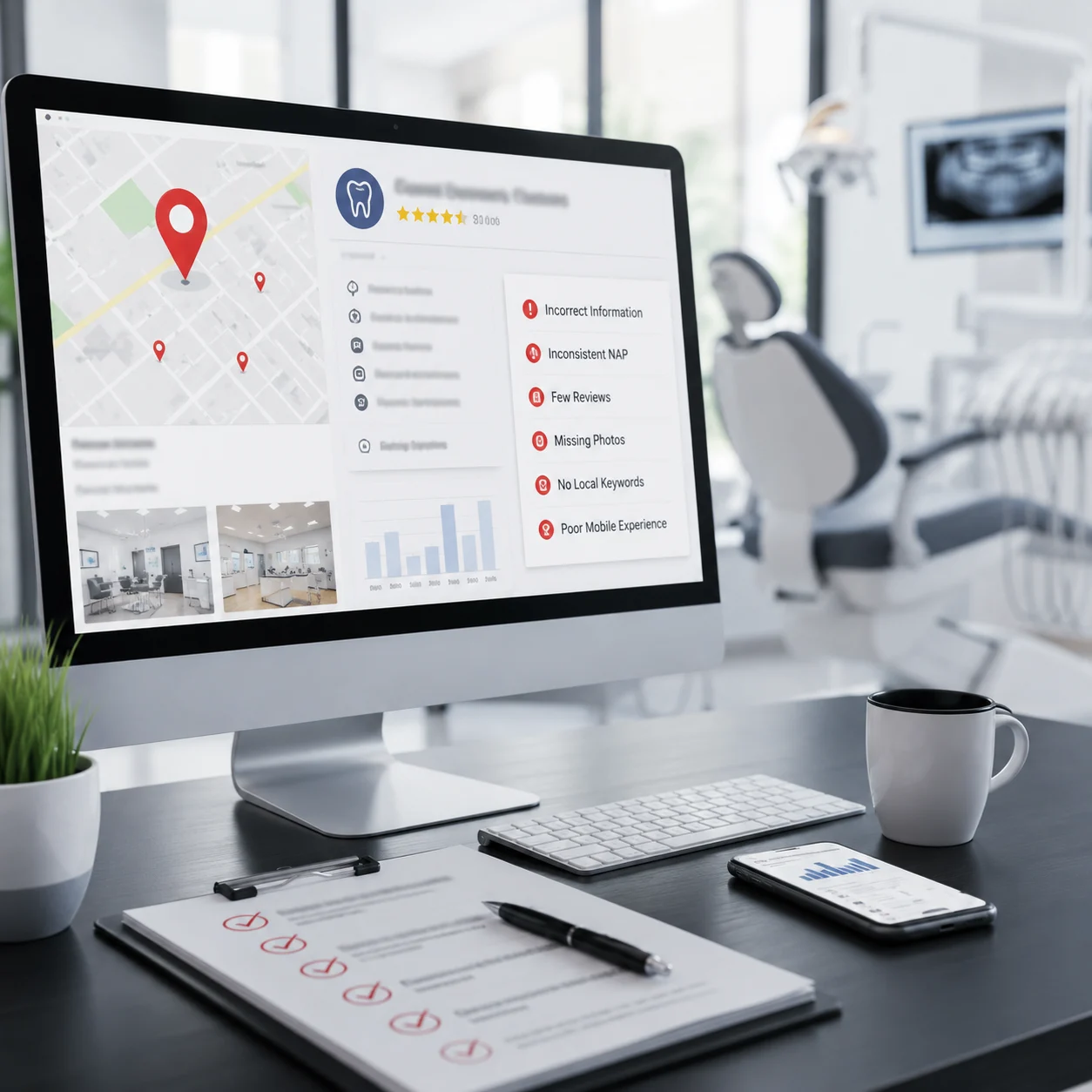
Many dental practices claim their Google Business Profile, verify it, add the basic business details, and never revisit it. They assume that once their profile is live, it will continue driving local visibility without any ongoing maintenance. In reality, an outdated or incomplete profile can limit your ability to compete in local search.
Why does it cost you? Your Google Business Profile is one of the strongest local ranking signals. Google uses to determine which practices appear in Google Maps and the Local Pack. An incomplete profile with outdated office hours, limited services, old photos, or inaccurate business information makes it harder for Google to understand your practice and less likely to recommend it to nearby searchers. It also creates a poor first impression for prospective patients, who often compare multiple practices directly on Google before visiting a website. If a competing practice has a more complete, accurate, and actively maintained profile, patients are far more likely to trust it and schedule an appointment there instead.
How to avoid it:
Your practice is listed as "Smith Family Dental" on your website, "Smith Family Dentistry" on Yelp, and an outdated phone number still appears on a directory you forgot existed, and some listings include "Smith Family Dental, LLC" while others omit the legal business designation entirely. While these differences may seem minor, search engines view them as inconsistencies that can create confusion about your practice's identity.
Why does it cost you? In order to rank your practice confidently in local search results, Google needs consistent information that verifies your business is legitimate and accurately represented across the web. NAP, which stands for Name, Address, and Phone Number, is one of the strongest local SEO trust signals Google uses for this purpose. When your practice name, address, or phone number differs across directories, citations, and business listings, Google has less confidence in your information, making it less likely to rank your practice prominently in local search.
This is one of the most common and easily overlooked local SEO issues. Many dental practices unknowingly have inconsistent information across numerous online directories due to outdated listings, business name changes, old phone numbers, or automatically syndicated data that has never been corrected. Left unresolved, these inconsistencies can gradually weaken your online visibility and send prospective patients to competing practices with more reliable business information.
How to avoid it:
Another common local SEO mistake dental practices make is selecting the wrong Google Business Profile categories. Many dentists choose a broad primary category like "Dental Clinic" or add multiple unrelated categories in an attempt to rank for more searches. Unfortunately, this often weakens rather than strengthens their local visibility.
Why does it cost you? This approach often has the opposite effect. Most patients search for terms such as "dentist near me" or "best dentist near me," not "dental clinic near me." If your primary category does not align with the way patients actually search, Google may be less likely to show your practice for those searches, regardless of your reputation or quality of care. Likewise, adding too many unrelated categories does not improve visibility. Instead, it makes it harder for Google to understand your primary services, reducing the relevance of your listing.
Google has also become increasingly strict about keyword stuffing in business names and selecting categories solely to manipulate local rankings. These practices can lead to profile suspensions instead of improved visibility.
How to avoid it:
Putting your service areas in your Google Business Profile without a clear strategy can really cost you patients from the nearby regions. Many dental practices either leave their service area settings at the default or add nearby cities, neighborhoods, and ZIP codes based on assumptions instead of actual patient data.
Why does it cost you? Google allows you to define up to 20 service areas in your Google Business Profile to help it better understand the locations your practice serves. Choosing the right service areas can strengthen your local relevance and improve visibility in nearby communities where prospective patients are actively searching for dental care. However, if these areas are left blank, selected randomly, or include locations you do not genuinely serve, your practice may miss valuable opportunities to appear in local search results. At the same time, targeting irrelevant areas can weaken your visibility in the locations that matter most to your practice.
How to avoid it:
Let's say your practice has multiple locations, but you use one generic service page for all of them instead of creating location-specific pages for each city or neighborhood you serve.
Why does it cost you? Google's algorithm leans heavily on your website content to confirm and reinforce the relevance signals from your GBP. A page that simply says "we offer dental implants" without ever mentioning the city, neighborhood, or local context misses an enormous opportunity to rank for "[service] in [city]" searches, which are exactly how most patients search. This matters even more for multi-location practices, where each office needs its own clear digital identity.
How to fix it:
It often starts with good intentions. A practice creates separate location pages for each office but simply copies the same content and changes the city name. Others publish pages with only a few generic sentences, assuming that's enough to rank locally.
Why does it cost you? Google prioritizes original, helpful, and location-specific content. When multiple pages contain duplicate or thin content, search engines struggle to determine which page is most relevant, reducing the likelihood that any of them will rank well. In some cases, excessive duplication can weaken the overall quality of your website. From a patient's perspective, these pages also fail to answer important questions about the treatment, the office, or what makes that specific location the right choice, making it easier for them to choose a competitor with more informative content.
How to avoid it:
If you only receive reviews when patients decide to leave them on their own, without a consistent system for requesting feedback, you are missing valuable opportunities to strengthen your local SEO.
Why does it cost you? Review signals have become one of the most influential local SEO ranking factors over the past few years, now accounting for roughly 16 to 20 percent of local ranking weight. What matters most is not just the total number of reviews, but review velocity, which means a steady, ongoing flow of new reviews consistently outperforms a practice that received a large number of reviews years ago and has had little or no activity since. There is also a meaningful benchmark to understand practices that reach around 150 Google reviews tend to be recognized more reliably by AI-driven search tools when responding to queries like "best dentist near me" and similar high-intent searches. In many cases, stronger review profiles directly correlate with increased visibility and higher branded search volume, which leads to more patient inquiries.
How to avoid it:
This one is subtle, and that's exactly why it's so damaging. You may be putting significant effort into collecting patient reviews but overlooking what happens after they're published, especially negative reviews. Leaving critical feedback unanswered for weeks or months can quietly undermine both your online reputation and your local SEO performance.
Why does it cost you? Responding to patient reviews is one of the simplest yet most effective ways to demonstrate that your practice values patient feedback. Google considers review engagement as a positive trust signal, and practices that consistently respond to reviews often perform better in local search than those that ignore them. More importantly, prospective patients read review responses before making a decision. An unanswered negative review can leave a lasting impression and discourage potential patients, while a thoughtful, professional response shows that your practice is attentive, accountable, and committed to patient satisfaction.
How to avoid it:
Google has long encouraged the use of structured data to help search engines better understand websites. Yet, many dental practices never implement schema markup, leaving Google to interpret important information about their practice instead of communicating it clearly through structured data.
Why does it cost you? Schema markup provides Google with structured information about your practice, including your business name, address, phone number, office hours, services, and other important details. This helps search engines understand your website more accurately and can improve how your practice appears in search results. When implemented correctly, schema markup may also make your listings eligible for rich results, such as business hours, review stars, and FAQ sections, making them more noticeable and informative to prospective patients. Without structured data, your practice misses an opportunity to improve visibility and stand out while competing practices benefit from enhanced search listings.
How to avoid it:
Most dentists focus on optimizing their practice's Google Business Profile but never check whether Google has automatically created a separate practitioner profile under their own name. As a result, an individual listing may already exist in Google Maps, sitting unclaimed and unoptimized.
Why does it cost you? Google often creates practitioner listings for individual healthcare providers using publicly available information from trusted online sources. These profiles can appear in local search results when patients search for a dentist by name or look for terms such as "best dentist near me." If your practitioner profile is incomplete, outdated, or left unclaimed, prospective patients may encounter missing information, inaccurate details, or no compelling reason to choose you. For multi-dentist practices, overlooking practitioner listings also means missing multiple opportunities to increase your overall visibility in local search.
How to avoid it:
This is the silent blind spot that makes even the smartest marketing decisions fall apart. You invest in local SEO, improve your website, and optimize your Google Business Profile, then assume it's working because website traffic looks healthy or the office feels busier than usual. Without tracking what actually turns into phone calls and booked appointments, you're making decisions based on assumptions instead of evidence.
Why does it cost you? Patients discover your practice through Google Maps, click for directions, visit your website, submit a contact form, or call directly from your Google Business Profile. If those actions are not being measured, you have no clear way of knowing which marketing efforts are generating new patients and which are quietly wasting your budget.
The biggest problem is that traffic alone tells only part of the story. A page that attracts thousands of visitors but produces very few appointments delivers little business value, while another page with fewer visitors may consistently generate high-value treatments. Without tracking local conversions, those opportunities remain hidden, allowing competitors with better data to make smarter decisions and capture patients you never realized you were losing.
How to avoid it:

.svg)

Harsh Bansal has spent 15 years pioneering, scaling, and redefining what dental marketing and data can truly unlock. He is at the forefront of AI-driven dental growth, helping more than 8,000+ dental practices and DSOs worldwide attract more patients, strengthen their market presence, and gain the financial clarity needed to drive sustainable growth.
Our healthcare marketing expert will get in touch with you

.gif)