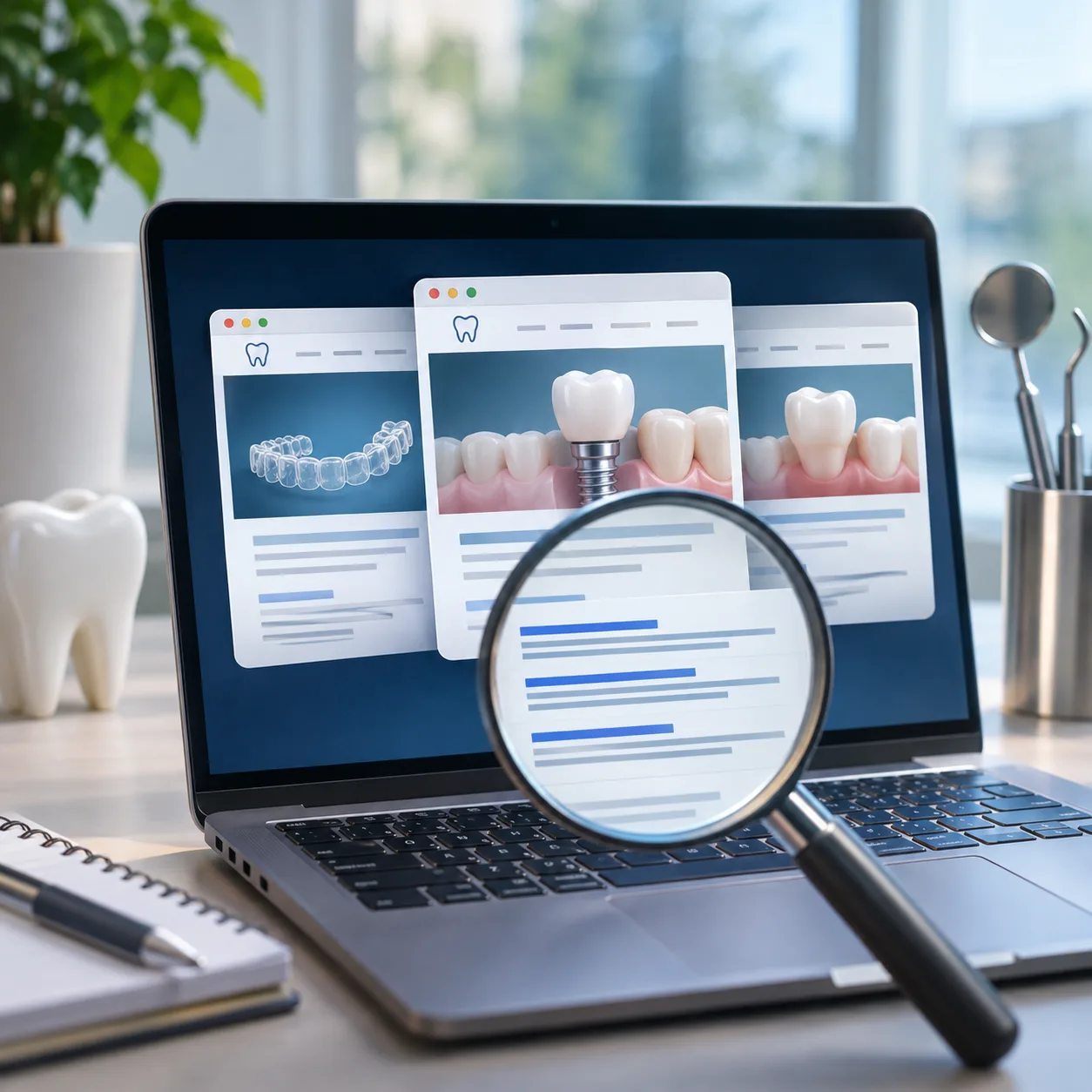
When several treatment pages on your dental website target similar searches, Google can struggle to decide which one deserves to appear in the results. You might have separate pages for dental implants, full-mouth dental implants, and implant-supported dentures, yet find that none of them ranks as well as you expected.
The problem isn’t always a lack of content. Sometimes, the pages overlap so much that they compete for the same searches, offer similar information, and leave Google with no clear reason to favour one over another.
Imagine a patient searching for dental implants in your area. Google has several pages from your practice that could answer that query, but it keeps switching between them or showing a competitor instead. Meanwhile, you’re publishing more content, hoping to improve visibility, without realising that some of your existing pages may be working against each other.
The first step is understanding where that overlap comes from. This blog explores the common dental SEO issues that cause treatment pages to compete against each other, why they happen, and how to organise your website so each page serves a distinct search intent and has a better opportunity to rank.
Keyword cannibalisation happens when several pages on your dental website try to rank for the same searches. Instead of helping Google find the best page for a query, you leave it choosing between pages that offer much the same information. As a result, your rankings can fluctuate, and the page you want patients to find may not always appear in search results.
This can happen quite easily as your website grows. You publish new blogs, add service pages, or create landing pages for campaigns, and over time, some of them begin covering the same ground.
Here’s what that might look like:
You don’t need a separate page for every keyword you want to rank for. What matters is that each page covers something useful and gives patients a reason to visit it. If two pages say much the same thing, it’s worth reviewing whether both are needed or if one could do a better job on its own.
Dental websites often end up with several pages targeting the same treatment keyword because no single page has been assigned to lead for that search. Similar terms and close variations get spread across multiple pages, even when they mean much the same thing to patients.
Google understands that these searches are closely related, so creating a separate page for every keyword variation can do more harm than good. Instead, choose one main page for each core treatment and use supporting content to answer more specific patient questions.
Your treatment page and a blog post might both explain the same procedure, discuss costs, and encourage patients to book a consultation. When that happens, Google has two pages to choose from, even though only one may be needed for that search.
Keep your service page focused on the treatment and booking an appointment. Use blog posts to answer the questions patients ask before committing, then link them back to the relevant service page.
Using the same template for every treatment page is fine, but repeating the same paragraphs across your website is a different story. If your pages all talk about experienced dentists, advanced technology, and personalized care, patients get little information to help them understand which treatment suits their needs.
Give each page details that actually relate to the procedure, such as what the treatment involves, who it may suit, recovery expectations, costs, and common patient questions.
Before publishing, check whether someone reading the page would learn something specific about that treatment. If you could swap the treatment name and use the same copy elsewhere, the page needs more work.
This is especially common with group practices and DSOs. One treatment can end up with several pages across the website, each targeting a different location but covering almost exactly the same information.
For example, your main dental implant page explains the treatment, while your Chicago and Naperville pages repeat the same details with only the location name changed. Instead of giving local patients something specific to their area, these pages end up competing for similar searches.
Keep your main service page focused on the treatment itself. Use location pages to show what patients can expect at each branch, including available services, treating dentists, and relevant local details. This gives each page something useful to offer without repeating the same content across your website.
Your page might have excellent content, but if its title looks almost identical to several others on your website, it has a harder time standing out. This often happens when dental practices target similar treatment keywords across multiple pages without giving each one a distinct purpose.
Give your main service page the core treatment focus, while supporting pages cover specific procedures, patient questions, or costs. For example, use “Dental Implants in Chicago” for your main service page and “How Long Do Dental Implants Last?” for a blog post. Keep each title and H1 specific to the page, so patients know what to expect, and search engines can better distinguish between them.
Did you know that creating more pages to target more keywords can sometimes work against your dental SEO efforts? While it might seem like a good way to reach more patients, publishing pages without offering anything new can leave your website full of content that serves much the same purpose.
This often happens when practices create separate pages for nearby cities, treatment variations, or similar searches. For example, your pages for dental implants in Chicago, Naperville, and Evanston might use the same paragraphs with only the location changed. Instead of creating another page just to target a keyword, look at what patients actually need to know. Add useful local details, treatment-specific information, or answers to common questions. If a new page has nothing different to offer, improving an existing one is often the better move.
When you add new treatment pages and blogs to your dental website, it’s easy to lose track of where your internal links lead. Your homepage might point to one dental implant page, older blogs to another, and location pages to a third, even though all three cover similar ground.
This can make it harder for Google to identify which page you want to rank for your main treatment searches. The fix is to choose one primary page for each core service and link to it consistently from relevant blogs, location pages, and related treatments. Use descriptive anchor text that fits naturally, and let your main service page guide visitors to useful supporting content.
You don’t have to dig through your entire website or be a technical SEO expert to find pages that may be competing for the same searches. A few simple checks can help you spot the overlap and decide which pages need attention.
Make a list of the services that matter most to your practice, such as dental implants, Invisalign, veneers, teeth whitening, crowns and bridges, root canal therapy, and emergency dentistry. These are the pages worth checking first because they target treatments that can bring patients through your door.
A quick Google search can reveal pages you may have forgotten about. Enter a search like:
site:yourdentalwebsite.com "dental implants"
Repeat this for other treatments, then look at the results. If several pages have similar titles or cover much the same ground, take a closer look at whether they serve different purposes or compete for the same searches.
Google Search Console can show you which pages appear for the same treatment-related queries. Open Performance, select a relevant query, and review the pages receiving impressions and clicks. Pay attention if your blog appears for a search intended to bring patients to your main service page, or if Google keeps showing different URLs for the same query.
If you use tools such as Semrush, Ahrefs, or Moz, check which keywords your treatment pages rank for. Look for multiple URLs targeting the same terms, especially when the pages serve a similar purpose. You don’t need to investigate every keyword; start with the treatments most likely to generate consultations and revenue.
Once you’ve identified the overlap, create a simple spreadsheet assigning each page a primary keyword and purpose. For example, your main dental implant page can target dental implants, while a blog covers dental implant costs and a location page targets dental implants in Chicago with genuinely local information.
This makes it easier to decide which pages to keep, improve, combine, or redirect. More importantly, it gives every page a distinct role instead of leaving several URLs to compete for the same search.
The right fix depends on why your pages overlap. Some need to be combined, while others simply need a clearer purpose and better internal linking. Here’s how to decide what to change.
If two pages of your dental website cover much the same topic and serve the same search intent, combine their strongest content into one comprehensive page. Then set up a 301 redirect from the retired URL to the most suitable page. This brings related content together and gives visitors one useful destination instead of several competing options.
If both pages serve a useful but different purpose, keep them and make that distinction clear. Adjust the title tag, H1, and content to match what each page should address. Your main service page can focus on the service itself, while supporting content answers specific questions, explores comparisons, or explains what patients can expect.
When you need to retain duplicate or near-duplicate URLs, a canonical tag can indicate which version you prefer search engines to treat as the primary one. Use canonical tags for genuine duplication rather than as a blanket fix for overlapping content. Location pages with distinct local information should generally retain their own canonical URLs.
Review where your homepage, service pages, blogs, and location pages send visitors. Point relevant internal links toward the page that best matches the main search intent, using descriptive anchor text that reads naturally. Keep links to supporting pages where they help visitors explore a related topic, but make sure your core page receives consistent internal support.
Once you've chosen the page you want to prioritise, give patients a reason to stay, explore, and take the next step. Go beyond a basic service description by explaining what they can expect, addressing the questions they may have before booking, and providing useful details about costs, payment options, and the process involved. Bring in your team's expertise and genuine patient feedback to help people feel more confident about their decision. Every section should add something worthwhile, answer a real question, or help a potential patient move closer to booking.
How do I know if my dental website has keyword cannibalisation?
Search Google using site:yourwebsite.com followed by a treatment name, and see how many pages come up with similar titles or content. You can also check Google Search Console's Performance report to see if more than one page is receiving impressions for the same query, which is a strong sign that your pages are competing with each other.
Should I delete pages that are competing for the same keyword?
Not always. If two pages serve genuinely different purposes, such as a service page built for bookings and a blog answering patient questions, you can usually keep both and clarify their focus instead. Deletion and a 301 redirect make more sense when the pages say essentially the same thing with no real reason for both to exist.
Can blog posts cause keyword cannibalisation with service pages?
Yes, this is one of the more common causes. It happens when a blog post covers the treatment, pricing, and booking information in the same way as the service page itself. Keeping each page's purpose distinct, with the service page focused on booking and the blog answering specific patient questions, helps avoid this overlap.
How many location pages should a multi-location dental practice have per treatment?
There's no fixed number, but each location page should offer something genuinely specific to that branch, such as the treating dentists, available services, or local details patients would care about. If several location pages repeat the same paragraphs with only the city name changed, consolidating or adding more local depth usually works better than keeping them as separate thin pages.
Will fixing keyword cannibalisation improve my rankings right away?
Not immediately. Google needs time to recrawl and reassess your pages after you consolidate, redirect, or reposition content, so it's common to see rankings fluctuate for a few weeks before settling. The benefit tends to show up as more consistent rankings for the page you actually want patients to find, rather than an overnight jump.



Harsh Bansal has spent 15 years pioneering, scaling, and redefining what dental marketing and data can truly unlock. He is at the forefront of AI-driven dental growth, helping more than 8,000+ dental practices and DSOs worldwide attract more patients, strengthen their market presence, and gain the financial clarity needed to drive sustainable growth.

Key Takeaways
The Same Three Ranking Factors, a UK-Specific Context
UK-Specific Factors That Affect Ranking
What's Actually Working for UK Practices Right Now
A Fast Way to Find Your Specific Gaps
Common Mistakes
Building This Into an Ongoing UK Local SEO Approach
A Worked Comparison
What to Check Before Hiring Outside Help
Conclusion
FAQ
Our healthcare marketing expert will get in touch with you