.png)
When someone in Singapore needs dental care, Google is often where the search begins. They might look for a clinic near their home, workplace, or MRT station, check the opening hours, scan a few reviews, and then decide which practice is worth contacting.
For dental clinics, this makes your Google Business Profile far more than a basic business listing. It is often the first place a prospective patient sees your practice before they ever visit your website. Your clinic name, location, services, reviews, photos, and opening hours can all shape that first impression.
A well-managed profile can also help your practice appear in Google Search and Maps when people are looking for dental services in your area. If your profile is incomplete or poorly maintained, a nearby competitor may simply get the attention you were hoping to earn.
Fortunately, optimizing your profile does not have to be complicated.
Once you know which details matter and how to keep them accurate, you can turn your listing into a useful local touchpoint for your practice.
This guide covers how to set up, verify, and optimize a Google Business Profile for a Singapore dental clinic, step by step, so you can make your practice easier to find and easier for patients to choose.
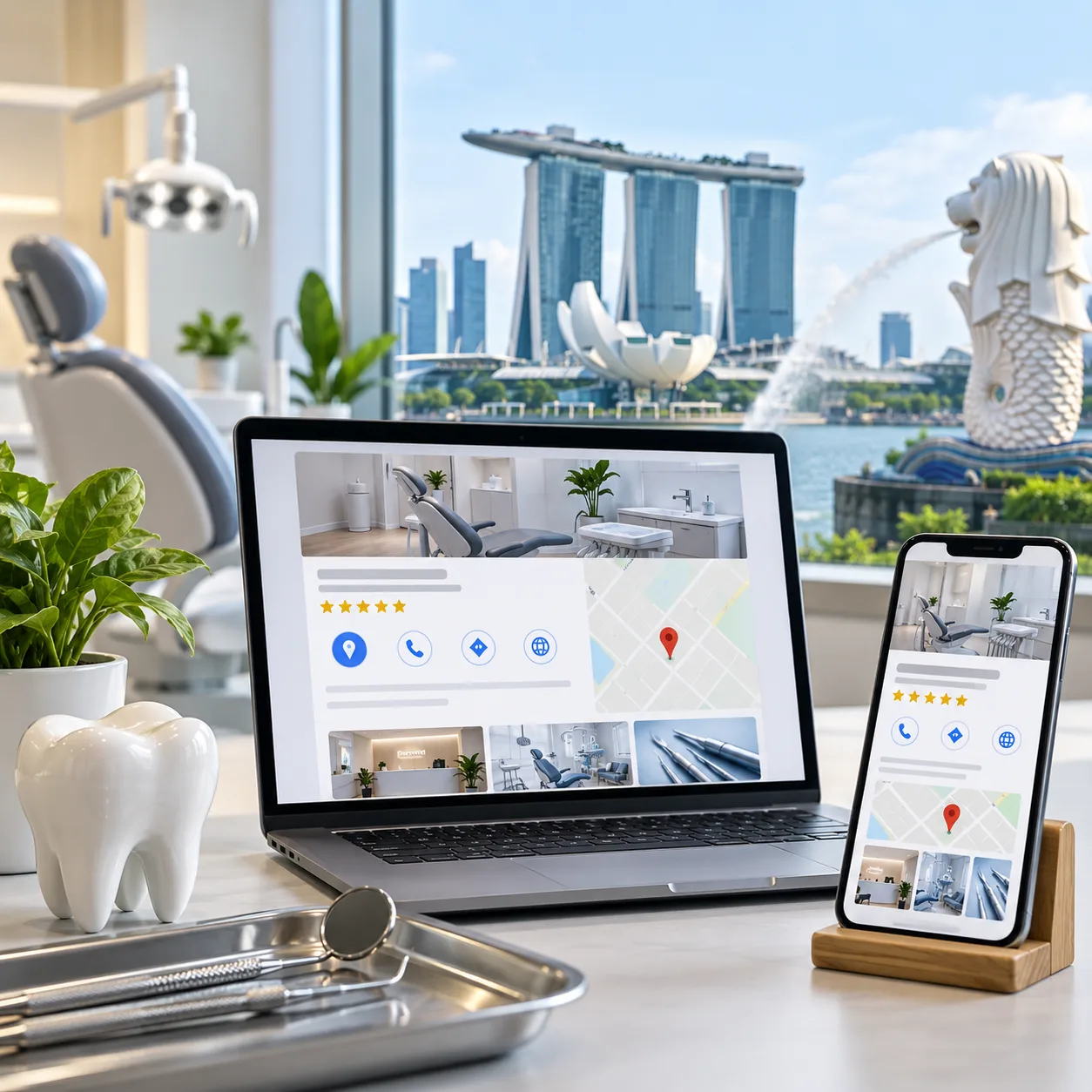
A Google Business Profile can do more for a Singapore dental clinic than simply show its name on Google Maps. When someone nearby starts looking for dental care, your profile can help them find your practice, check the details that matter and decide whether to get in touch.
Your clinic can appear in Google Search and Maps when patients search for dental services in their area. Someone looking for a dentist in Tampines, Novena or Jurong East is more likely to notice practices that have a complete and well-maintained profile.
When your clinic's profile appears for the targeted search, it allows your Patients to quickly see your clinic address, opening hours, phone number, website, and available services. For someone searching on the way home from work or near an MRT station, having these details in one place makes the decision much easier.
Your reviews, photos and up-to-date clinic information give potential patients a better sense of your practice before they call. This first impression can be especially important for patients who are nervous about dental treatment.
A patient who finds your clinic on Maps can call, visit your website, request directions, or use your booking option directly from the profile. Fewer clicks between discovery and contact means fewer chances for a patient to move on to another clinic.
Your profile performance can show how people discover and interact with your clinic, including calls, website visits, and direction requests. These insights can help you understand which services and local searches are generating the most interest.
For a deeper look at how dentists can use these performance signals, see these Google Business Profile Insights.
If you are setting up your Google Business Profile for the first time, start here:
Pro tip: Use the exact legal name of your dental practice as registered with ACRA. Google's system checks this carefully for Singapore-based practices.
Many dental clinics already exist on Google Maps. They just don't know it or haven't claimed ownership.
To find and claim your listing:
Your Google Business Profile should give patients and Google a clear, accurate picture of your practice. Every detail should reflect what your clinic genuinely offers.
Clinic Name: Use your real business name as it appears on your clinic signage and website. Do not add extra keywords just to rank.
For Example:
A natural business name: Tampines Dental Excellence
Another good example: Orchard Smile Dental Clinic
What to avoid: Best Dental Clinic Singapore Teeth Whitening Implants
Adding phrases that are not part of your actual business name can look spammy and may violate Google's guidelines.
Business Categories: Choose the most accurate primary category for your practice. For most dental clinics, this will be “Dentist.” Add secondary categories only when they accurately describe services or specialties you genuinely provide.
Business Description: Use this space to explain what your clinic does in a natural, patient-friendly way. Avoid stuffing it with keywords.
For example:
“Dental clinic in Bugis providing general and preventive care, dental implants, root canal treatment, teeth whitening and family dentistry.”
Add Your Services: List your main treatments individually rather than putting everything under one broad “dental services” label. Depending on what you actually offer, this could include:
For Singapore dental clinics, accurate opening hours are important. A patient searching for a clinic after work or during a public holiday wants to know immediately whether you are open.
Include your:
For example:
Monday to Friday: 9:00 AM to 7:00 PM
Saturday: 9:00 AM to 3:00 PM
Sunday: Closed
Public holidays: Check with the clinic.
Keep your special hours updated around periods such as Chinese New Year, Hari Raya and Deepavali, particularly if your clinic changes its usual schedule.
Your photos give potential patients a quick sense of what your clinic is like before they decide to visit. Blurry images, outdated equipment or poorly lit photos can make a practice feel less welcoming, so use clear, genuine images that reflect your clinic today.
Include photos of your:
Keep photos well lit, professional and authentic. JPG or PNG images with at least 720 × 720 pixels are a practical starting point, and aim to build a useful collection rather than uploading just two or three photos. Avoid awkward phone shots, heavy editing or images that no longer represent your clinic.
Video content:
Make it easy for patients to continue researching your practice after finding you on Google.
Add your:
Your Google Business Profile should work as part of your wider online presence. When your website, social profiles and Google listing all provide consistent information, patients have a much clearer picture of your practice before they make contact.
E. Video content
Videos can add another layer of familiarity. They give patients a more realistic feel for your practice, helping them picture the experience, understand what to expect, and feel more comfortable before making a decision.
When a patient is comparing dental clinics on Google, reviews can be one of the first things they look at. They may check the overall rating, read a few recent comments and get a sense of how other patients felt about the practice.
For a Singapore dental clinic, the focus should not be on chasing a huge review count. What matters more is building genuine feedback over time and showing patients that their experience matters.
The best review request does not feel like a sales pitch. If a patient has had a good experience, simply make it easy for them to share it.
You can:
Keep the request open and genuine. Do not offer rewards for positive reviews or ask patients to change what they have written. The feedback should be entirely their own.
If your practice needs additional ideas for generating authentic feedback, these strategies can help you get more Google reviews.
Take a little time to acknowledge the reviews your clinic receives. A simple thank you can go a long way and shows anyone reading your profile that there is a real team behind the practice.
You do not need a long, polished response every time. Keep it warm and natural, and avoid mentioning private details about the patient's visit.
Even a well-run dental practice can receive a negative review. The important thing is not to panic or respond defensively.
Keep your reply polite and measured. Do not discuss the patient's treatment or personal information publicly. If there is a genuine concern to resolve, invite the patient to speak with your clinic privately.
For example:
Thank you for sharing your feedback. We’re sorry to hear that your experience did not meet your expectations. We take feedback seriously and would appreciate the opportunity to understand what happened. Please contact our clinic directly so our team can assist you.
Remember, your response is also being read by people who may never leave a review themselves. A thoughtful reply can show future patients that your clinic listens, takes concerns seriously, and cares about the patient experience.
Ensure your clinic appears correctly on Google Maps:
These are the keywords patients actually search for:
High-Intent Keywords (patients ready to book):
Long-tail Keywords (specific searches):
Make sure these keywords appear naturally in:
Google Posts allow you to publish content directly on your GBP listing.
What to post:
Posting frequency: Aim for 2-4 posts per month
NAP = Name, Address, Phone
Your clinic information must be identical everywhere online:
Even small inconsistencies (like "Clementi" vs "Clementi" or including "Unit 123" sometimes but not other times) confuse Google's algorithm.
Action items:
In Singapore's competitive dental market, where you're mentioned online matters.
Get listed on:
Each legitimate mention boosts your local authority.
If patients click through to your website from GBP, make sure it's optimized:
Essential pages:
Each page should include:
A clear structure and easy-to-use layout can also improve the experience after patients leave Google and reach your site. Following patient-friendly website practices can help make that transition smoother.

.svg)

Dr. Ruchir Mehra has spent nearly a decade at the crossroads of clinical insight and cutting-edge technology, reshaping how dental practices think, operate, and grow. He brings a rare fusion of medical precision and AI-driven innovation, helping practices and DSOs move from instinct to intelligence, and from scattered operations to scalable, compliance-first growth engines that perform.
Our healthcare marketing expert will get in touch with you

.gif)